oraimo store
 4.8+
4.8+
4.8+
Download & Enjoy APP Exclusive Offers
4.8+

 Scan & Download oraimo store App






 Scan & Download oraimo store App
Scan & Download oraimo store App
Scan & Download oraimo store App
Scan & Download oraimo store App
Scan & Download oraimo store App
Scan & Download oraimo store App
Scan & Download oraimo store App
Scan & Download oraimo store App
Scan & Download oraimo store App
Have you ever settled down to enjoy your favorite Afrobeats playlist, only to realize that one earbud has gone completely mute? Trust me, the frustration when I say that it's very frustrating. It’s like having a conversation with only of your ears. That’s why understanding why one earbud sometimes stops working and how to fix it is important for anyone using wireless earbuds today. It doesn't matter whether you’re commuting through one of those Lagos traffic or relaxing at home; a malfunctioning earbud can ruin your vibe. Fortunately, with some simple checks and fixes, you can bring your music back to life anytime that happens.
First, we will look at the common reasons that make earbuds act up, and then move into practical solutions, step by step. Finally, I’ll show you when it’s truly time to upgrade to a fresh pair. This is because sometimes, there's no amount of cleaning that can restore a dying device.
1. Dirt and Earwax Build-Up: One of the simplest and most overlooked reasons earbud stops working is dirt or earwax clogging the driver mesh. Even small particles can block sound output, which will make it seem like your left or right earbud is dead. If you notice muffled sound or inconsistent volume, a thorough clean might solve the issue.
2. Connectivity Glitches: Wireless earbuds, including oraimo earbuds, rely on precise synchronization between the left and right buds. Sometimes, a slight desync might occur due to software glitches or Bluetooth interference. Consequently, one earbud might stop transmitting sound even though the other is working perfectly.
3. Battery and Charging Issues: The tiny batteries of earbuds can be tricky. Sometimes, one side might stop working because the battery didn’t charge fully. Dirty charging pins or poor contact in the charging case could lead to this problem. Even if the other earbud is fine, a single uncharged earbud will remain mute.
4. Audio Balance Settings: Many times, the issue may not be with the earbuds at all. Accidentally changing the audio balance in your phone settings can make one earbud seem dead. A quick check in your phone’s accessibility or sound settings may rule out this simple fix.
5. Physical or Water Damage: Sometimes, life happens; this can be splash of rain, accidental drops, or a sweaty gym session. Internal circuits in wireless earbuds are sensitive. Once damaged, one bud may fail completely, signaling the need for repair or replacement.
Before you rush to buy new earbuds, let’s go through a practical troubleshooting guide. Each step is designed for easy follow-through at home.
First, inspect your earbuds closely. Gently clear any dirt or earwax from the mesh, using a soft brush or microfiber cloth. Avoid water, as it could damage the tiny drivers. After cleaning, test your earbuds again.
Next, inspect the charging contact points. Small debris can prevent one earbud from charging fully. Clean the contact pins using a small amount of rubbing alcohol on a cotton swab. Reinsert and check if the problem persists.
Sometimes, all your earbuds need is a fresh connection. Go to your phone’s Bluetooth settings, forget the device, then re-pair the earbuds. This process can fix minor connectivity glitches.
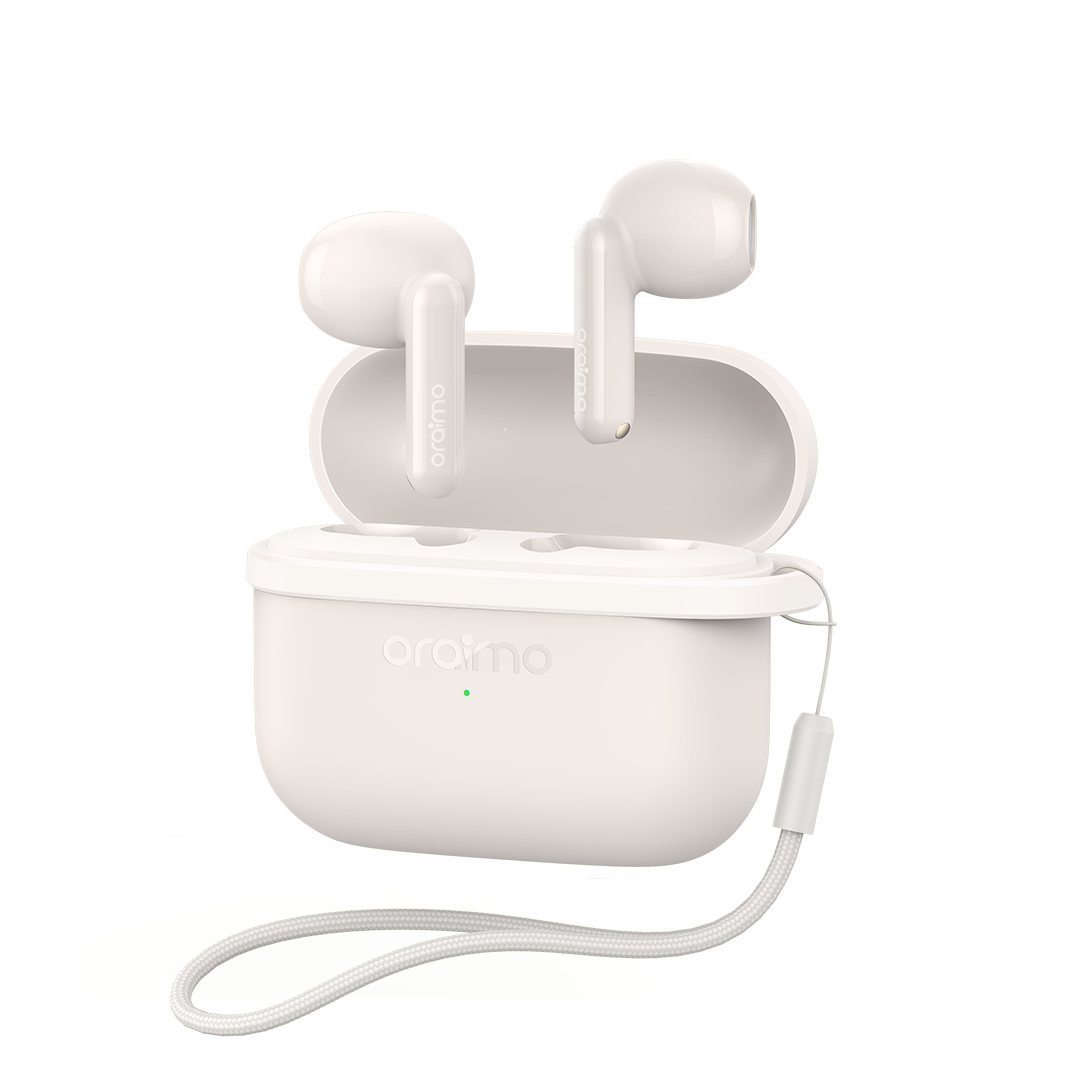
If the soft reset doesn’t work, a hard reset might do it. Most oraimo earbuds, like the OPN-372N, have a specific button hold pattern to restore factory settings. Follow the manual carefully to avoid unnecessary damage.
Finally, ensure your earbuds’ firmware is up to date. Firmware updates usually fix bugs and improve connectivity. Connect your earbuds to the official app or website to check for updates.
Even after troubleshooting, sometimes an upgrade is the smartest choice. Here’s when to consider getting a new pair.
1.Persistent Problems After Trying Fixes:
If one earbud stays mute despite cleaning, resets, and firmware updates.
2.Degraded Battery Life:
Old batteries hold less charge, which affects one side more than the other.
3.Frequent Disconnection:
Repeated Bluetooth dropouts shows that the earbuds’ internal hardware may be failing.
4.Outdated Comfort:
Worn-out earbuds could become uncomfortable for daily wear.
5.Desire for Better Features:
If you want superior sound quality, noise cancellation, or a stylish design.
If you’re ready to upgrade, oraimo has innovative options that solve common earbud problems for Nigerians who value quality sound and comfort.
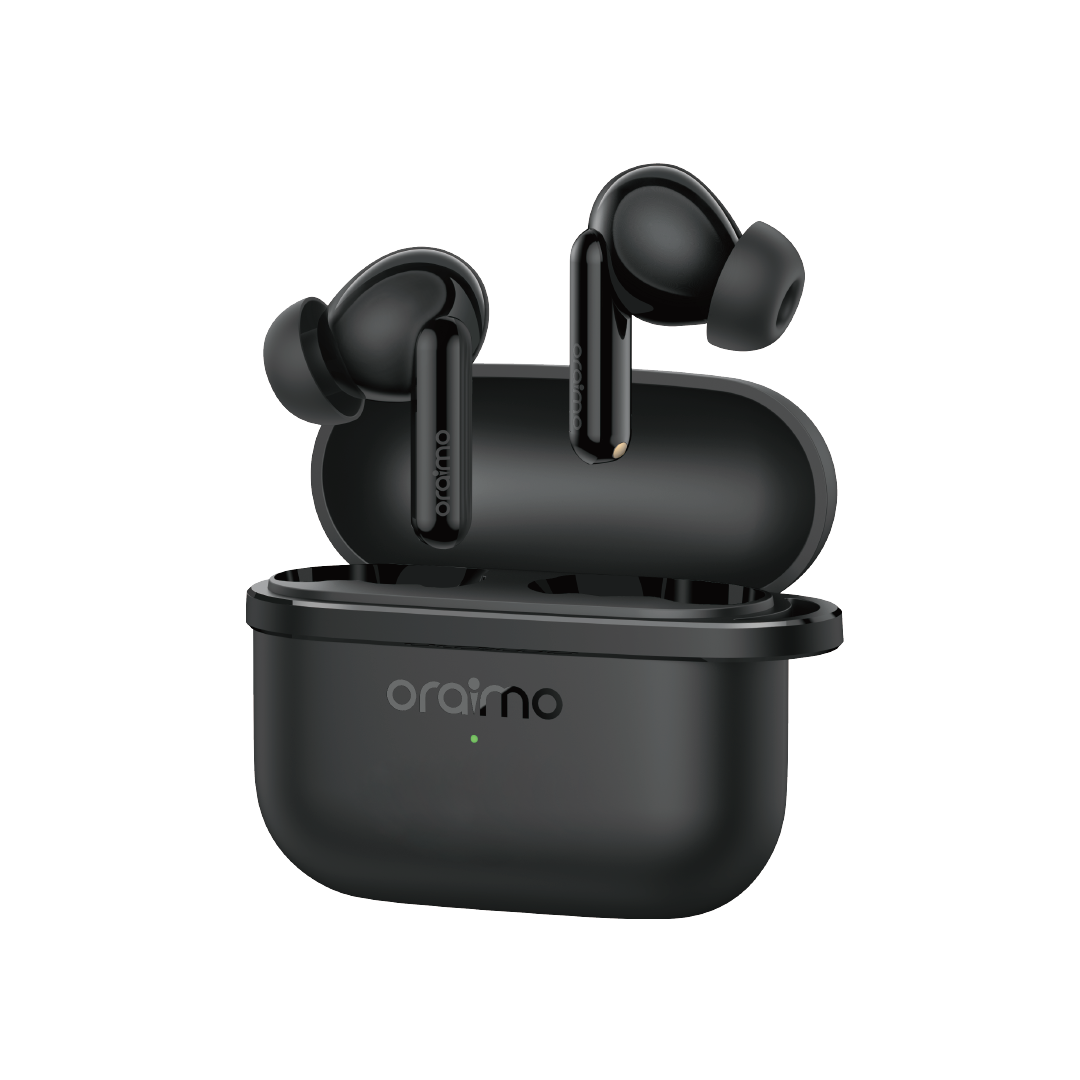
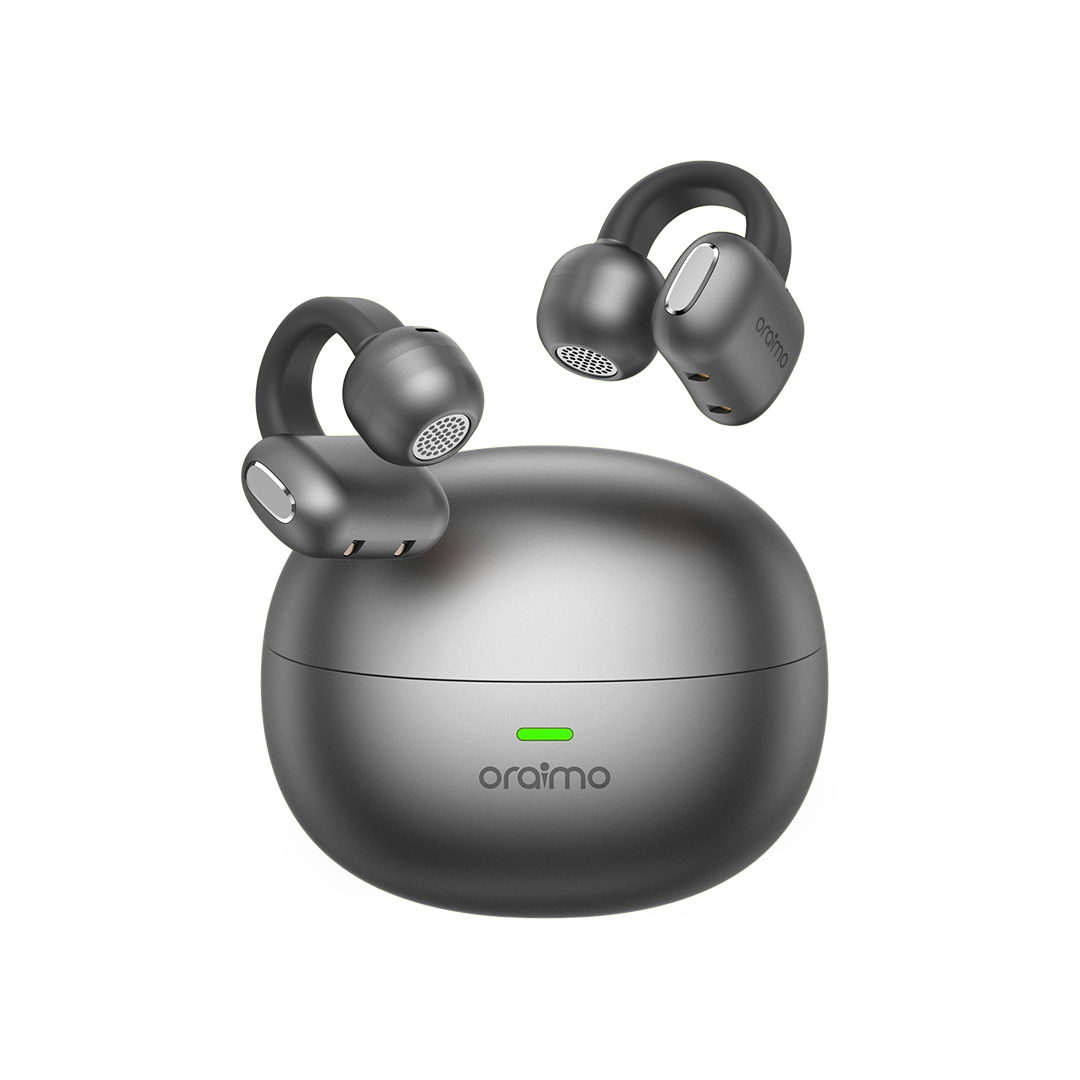
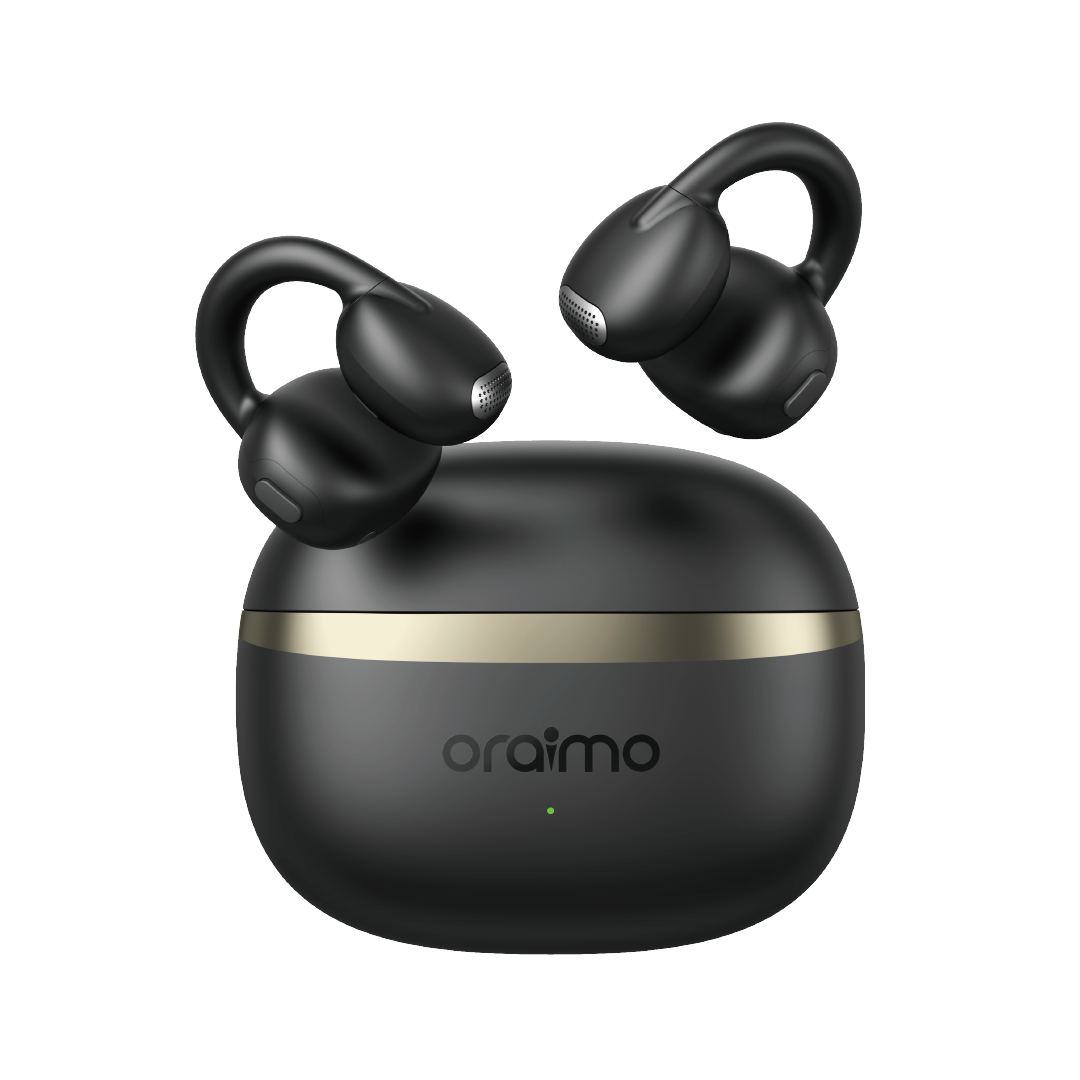
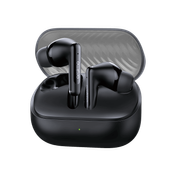
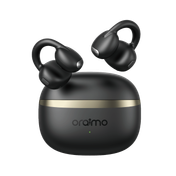
1. oraimo OpenSnap (OPN-372N):The OpenSnap is perfect for people tired of “clogged” ears. Its open-ear design allows you to stay aware of your surroundings while enjoying crisp audio. Additionally, the TWS earbuds have strong Bluetooth connectivity and 16-hour long-lasting battery life, which make them perfect for Lagos traffic or some quiet time at home.

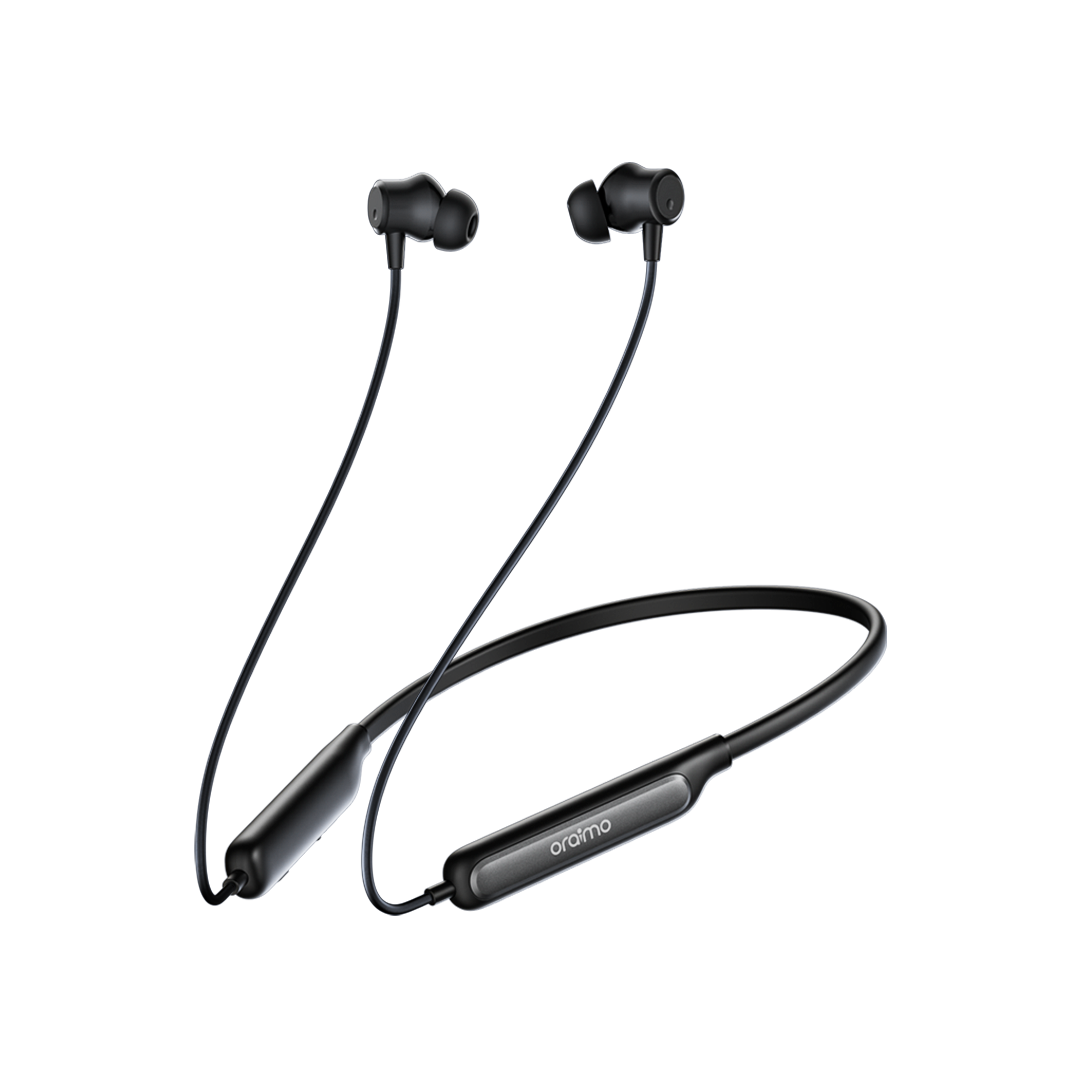
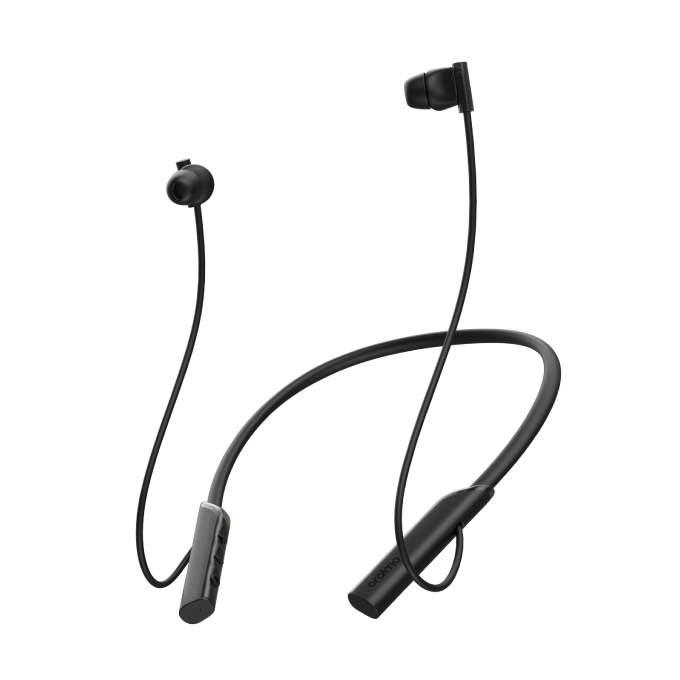
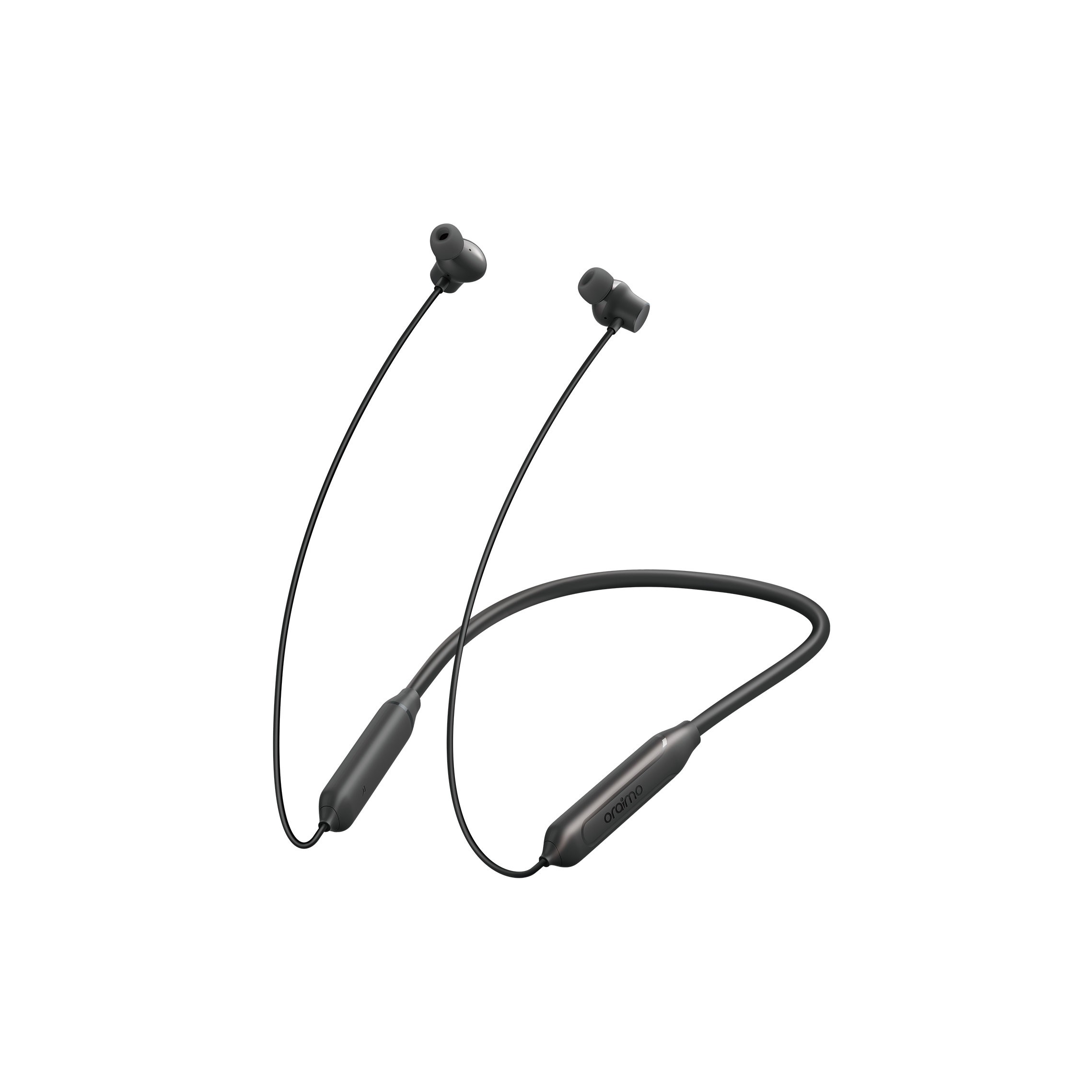
2. oraimo Necklace 5 (OEB-611) :For those who frequently misplace earbuds, the Necklace 5 is a lifesaver. Its neckband design ensures that you never lose a single bud. More so, it combines convenience with superior sound quality, battery longevity, and sweat resistance; these make it ideal for Naija lifestyles like busy commutes and gym sessions.
This guide: why one earbud stops working and how to fix it boils down to five common issues: dirt, connectivity issues, battery problems, audio settings, or physical damage. You can restore your earbuds full functionality without spending a dime if you follow the step-by-step troubleshooting guide that I've shared. However, if issues persist, upgrading to high-quality oraimo earbuds like the OPN-372N or OEB-611 is worth every naira. Your music, podcasts, and calls deserve clarity, comfort, and uninterrupted performance.
A single malfunctioning earbud shouldn’t disrupt your vibe. Act quickly, clean carefully, troubleshoot thoroughly, and when necessary, go for the upgrade. After all, life shouldn't pause because of bad earbuds.